
Home Apps Tools control screen rotation
control screen rotation

control screen rotation

4.9
Application Description

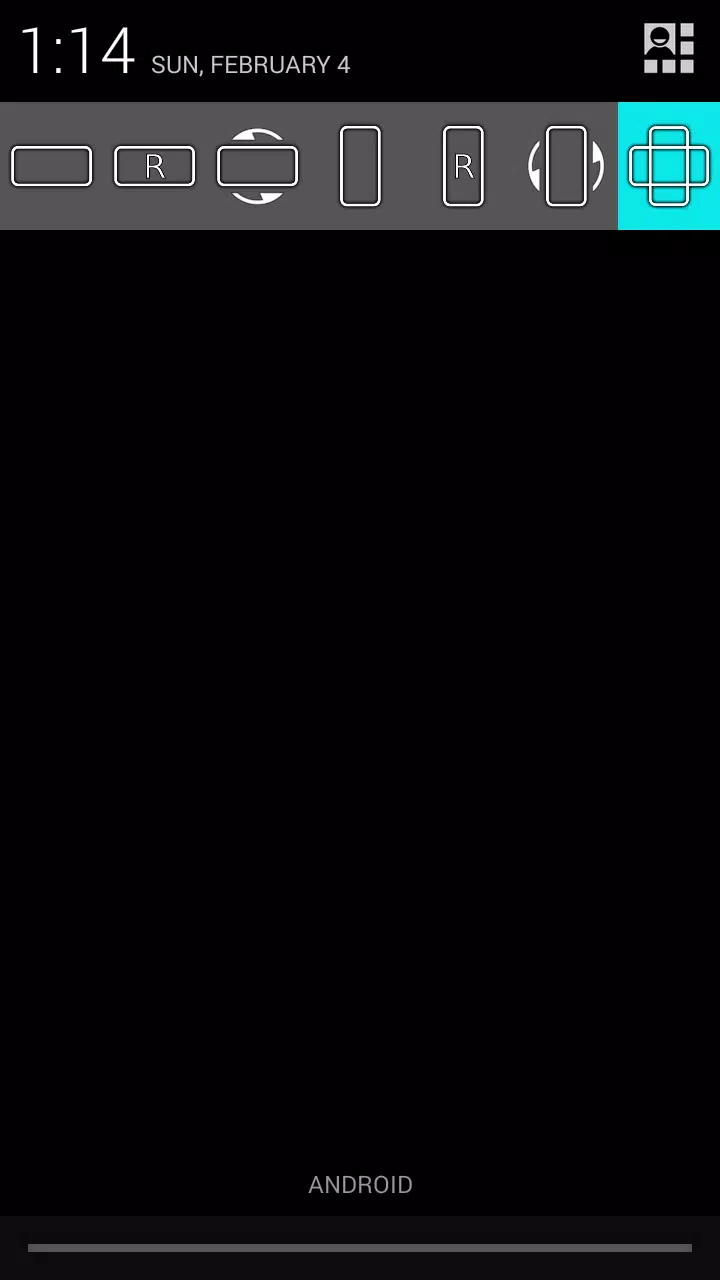
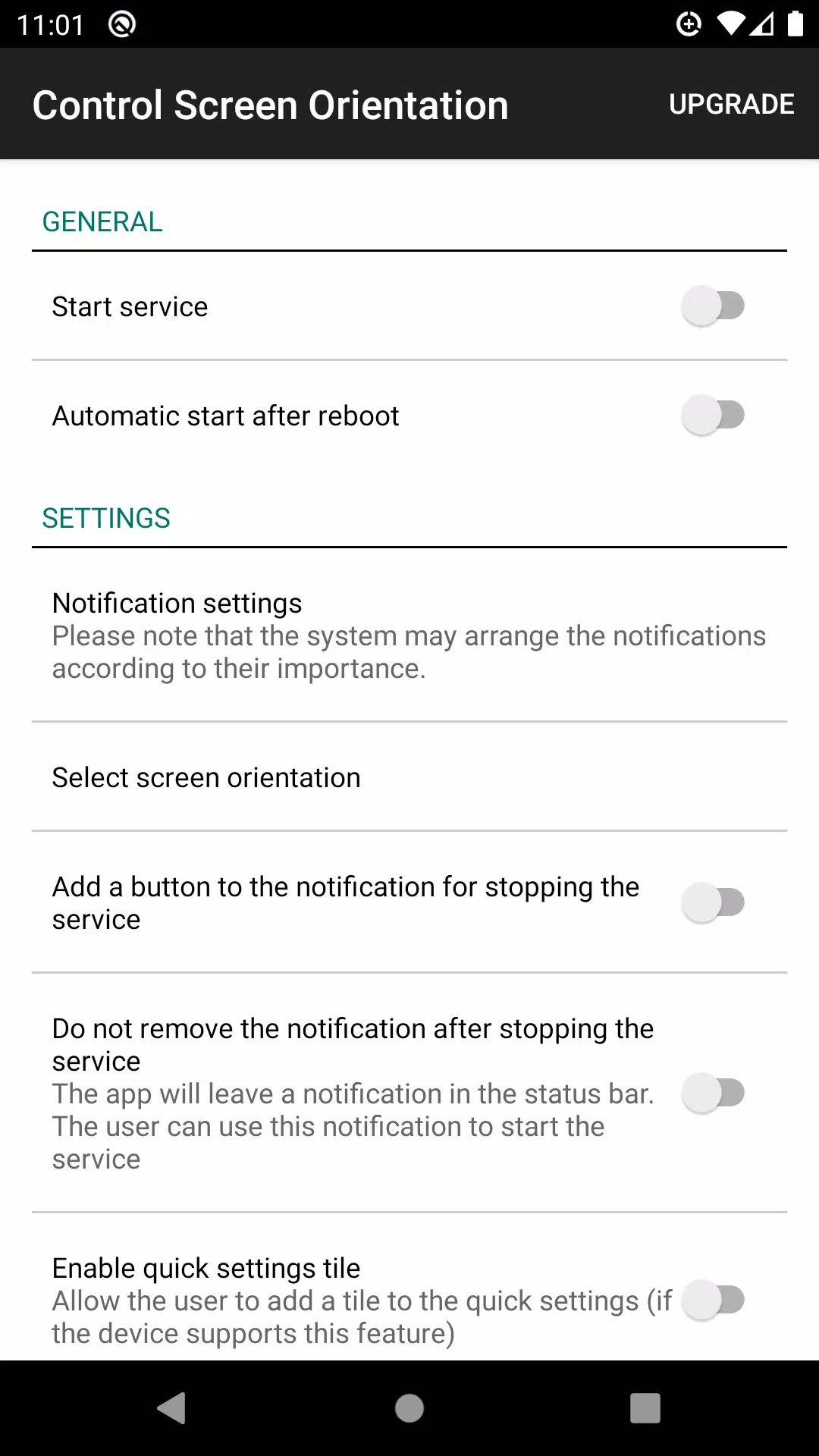
Effortlessly manage your screen rotation directly from your device's notification panel.

This app offers simple control over screen orientation, letting you disable auto-rotate and select your preferred orientation for any app.

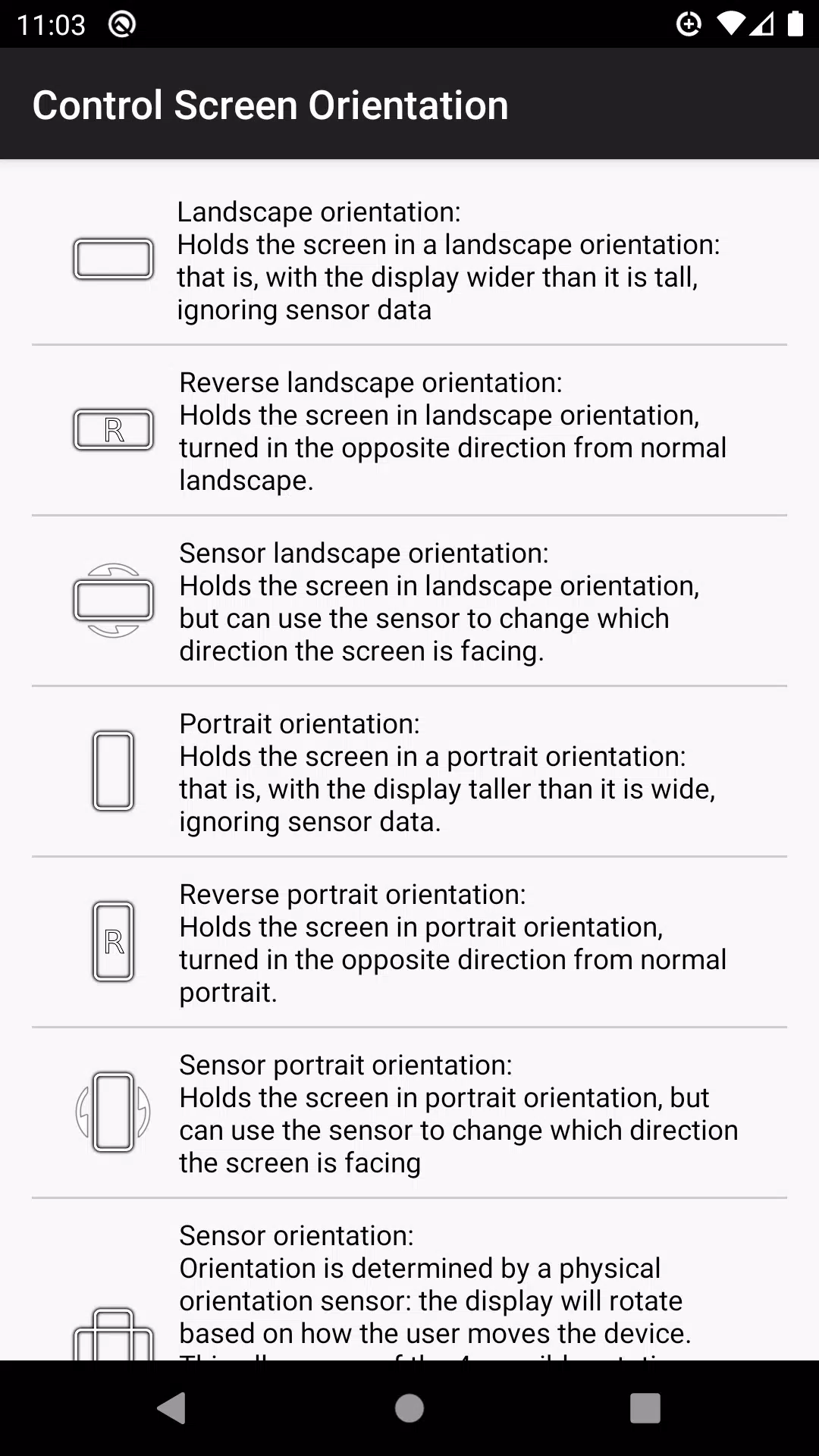
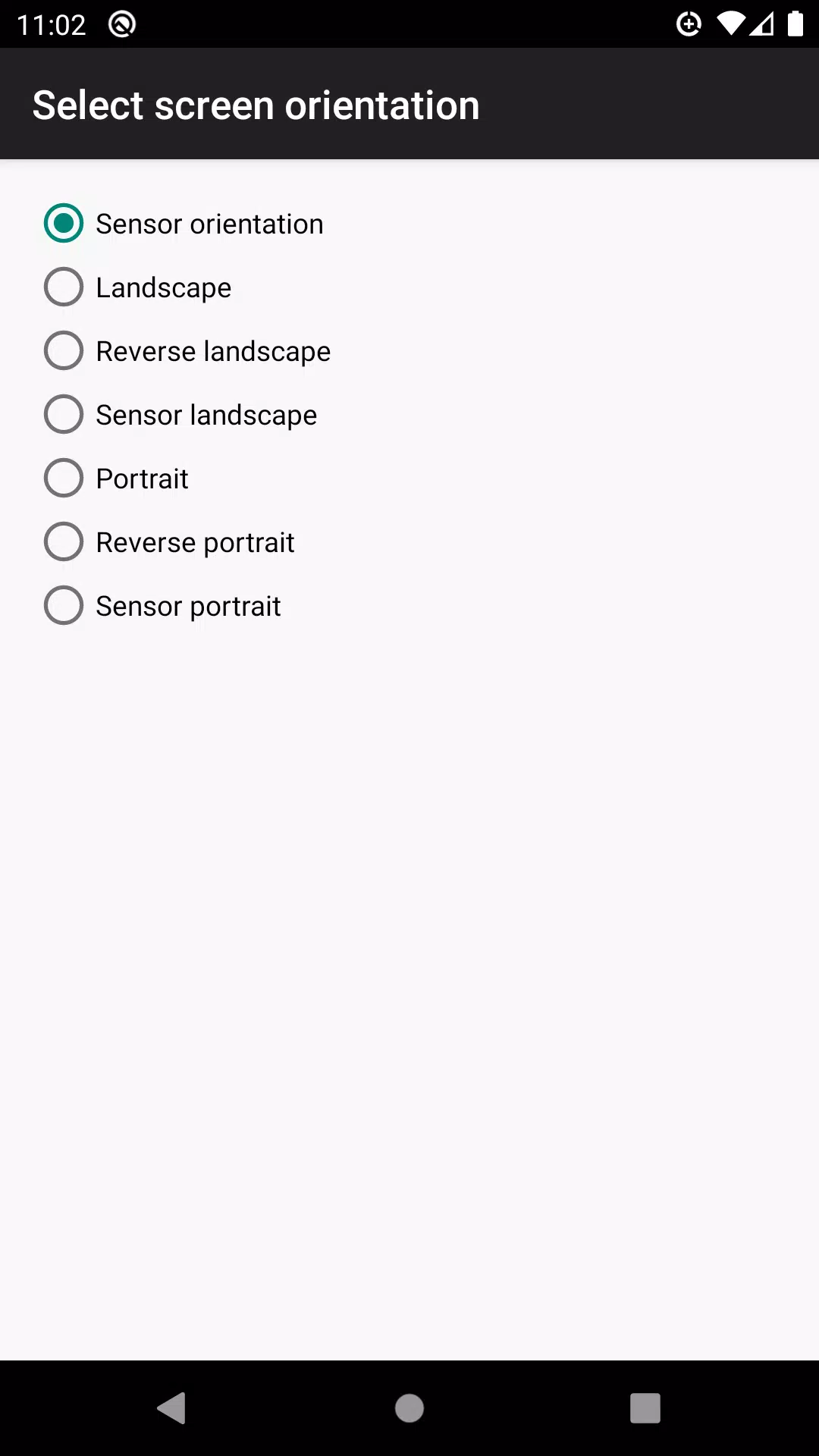
Supported orientations include:

  • Landscape
  • Reverse Landscape
  • Sensor Landscape
  • Portrait
  • Reverse Portrait
  • Sensor Portrait
  • Sensor Orientation (Auto Rotation)

Please Note:

Not all orientations are supported on every device.

Version 4.1 Update (Apr 30, 2024)

Bug fixes implemented.

Screenshot
  • control screen rotation Screenshot 0
  • control screen rotation Screenshot 1
  • control screen rotation Screenshot 2
  • control screen rotation Screenshot 3
Reviews Post Comments
Latest Articles
  • Amazon's Prime Day PS5 DualSense Edge Drops to $122

    ​The premium Sony PlayStation 5 DualSense Edge wireless controller seldom sees discounts from its standard $200 price point. Luckily, Amazon Prime Day brings an exceptional offer - score a 'Used Like New' version for just $122.27 after checkout discou

    by Patrick Dec 19,2025

  • Connect Quest: A 2024 Relationship Roguelite

    ​Connect Quest is an upcoming relationship-focused roguelite game for multiple platforms. If you're curious about what that entails, I’ll break it down shortly. The game had its first public appearance at PAX West 2025, held at the Seattle Convention

    by Allison Dec 19,2025