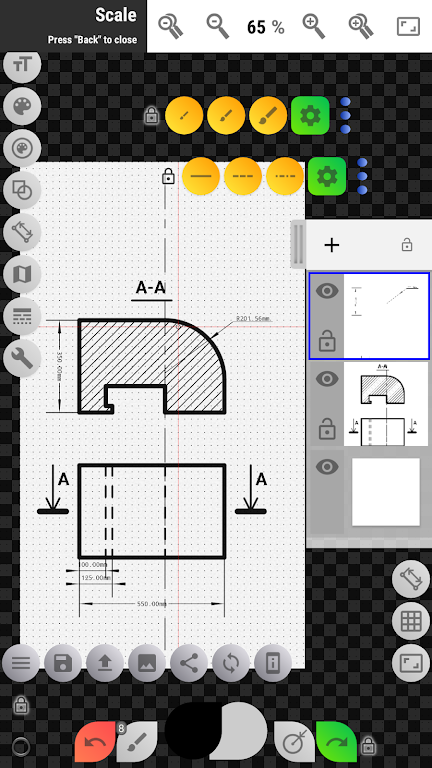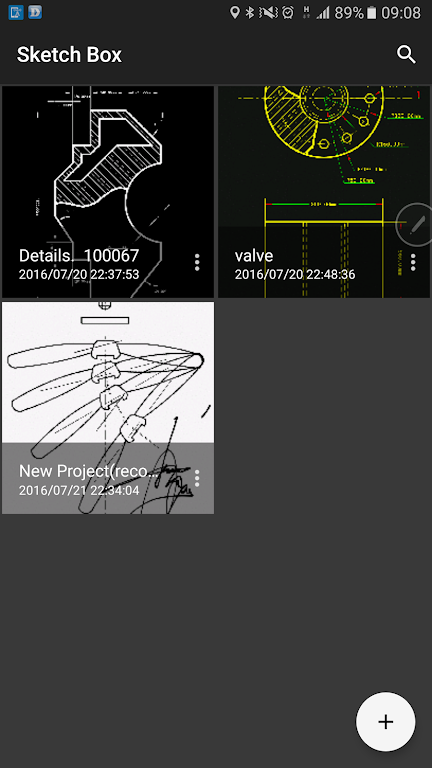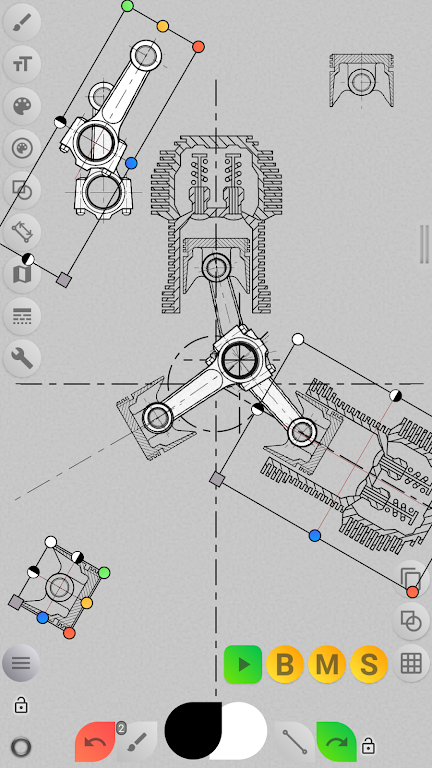

Introducing Sketch Box, the easy-to-use and lightweight sketching and drawing app that has a wide range of features to meet all your drawing needs. Unlike other drawing apps on the market, Sketch Box combines traditional drawing tools with the functionality of CAD systems, making it perfect for both general sketching and technical drawings. With its advertisement-free version, you can now use Sketch Box without any interruptions. The app also introduces a new Pencil Set feature, allowing you to choose from a variety of pencils with different characteristics. Plus, with improved tools and a sleek UI, it is always at your fingertips, ready to help you bring your ideas to life. Whether you're an engineer or an artist, the app is the perfect tool for you.
Features of Sketch Box (Easy Drawing):
⭐️ Advertisement Free: Unlike other drawing tools, Sketch Box does not have any annoying advertisements, providing a more seamless user experience.
⭐️ Easy to Use: This lightweight sketching and drawing tool is designed to be user-friendly, making it accessible for beginners and professionals alike.
⭐️ Wide Range of Tools: The app offers a diverse range of tools to fulfill various drawing requirements, including technical drawings, general sketching, and even Google Maps support.
⭐️ Pencils Set and Brush Redactor: Users can choose from a set of pencils with different features, allowing for more creativity. Additionally, the powerful brush redactor enables users to customize pencil characteristics.
⭐️ Project-Based Application: With this app, users can easily create and store projects from various sources, such as starting from scratch, using Google Maps snapshots, or importing from their device gallery. This provides convenience and flexibility for users to keep and reuse their projects.
⭐️ Support for Layers: The app supports up to 6 layers in the Pro version, allowing users to organize and customize their drawings effectively. Features like lock layer, layer opacity control, and merge options provide even more control over the drawing process.
Conclusion:
Sketch Box is the ideal drawing app for both beginners and professionals. With its advertisement-free experience, easy-to-use interface, and wide range of tools, users can effortlessly create sketches and drawings to meet their requirements. The app's project-based structure and support for layers further enhance the user's ability to organize and customize their work. Whether for technical drawings, general sketching, or even integrating with Google Maps, it is a reliable and versatile tool for all artists. Click here to download and start sketching with this app today!