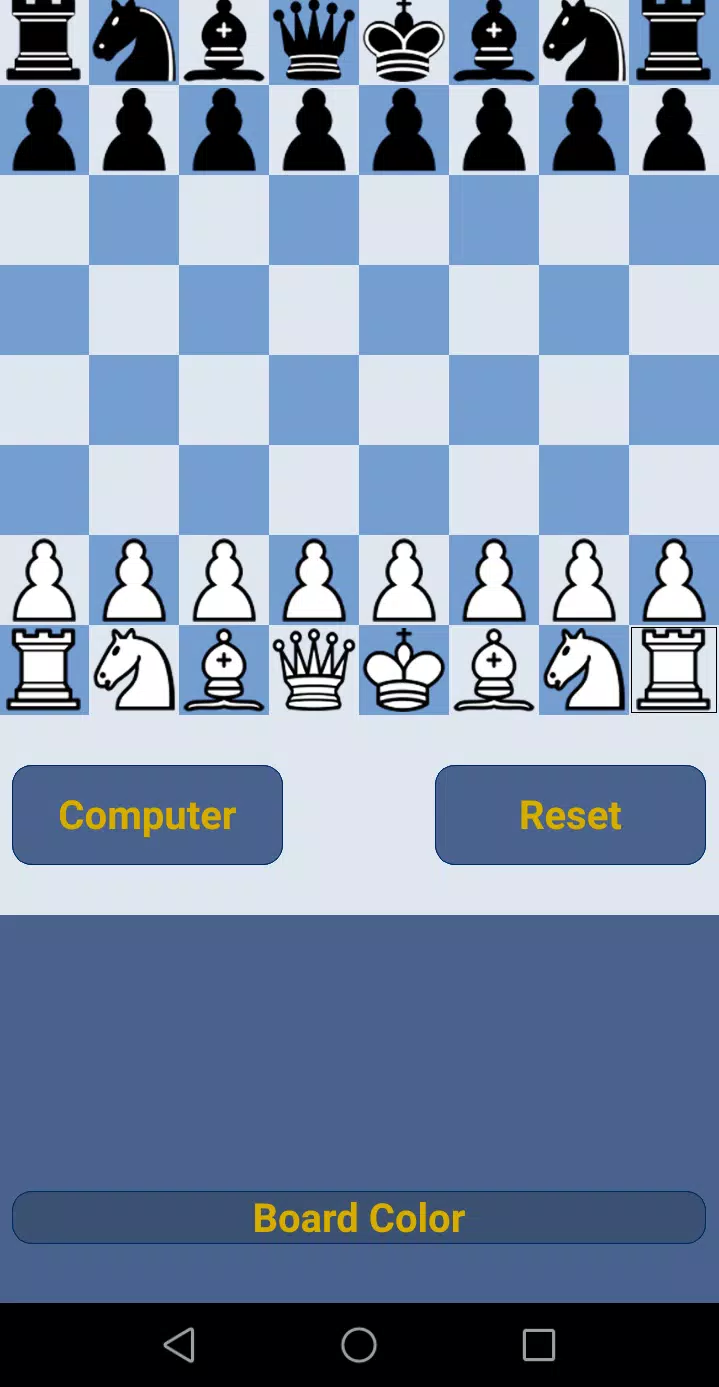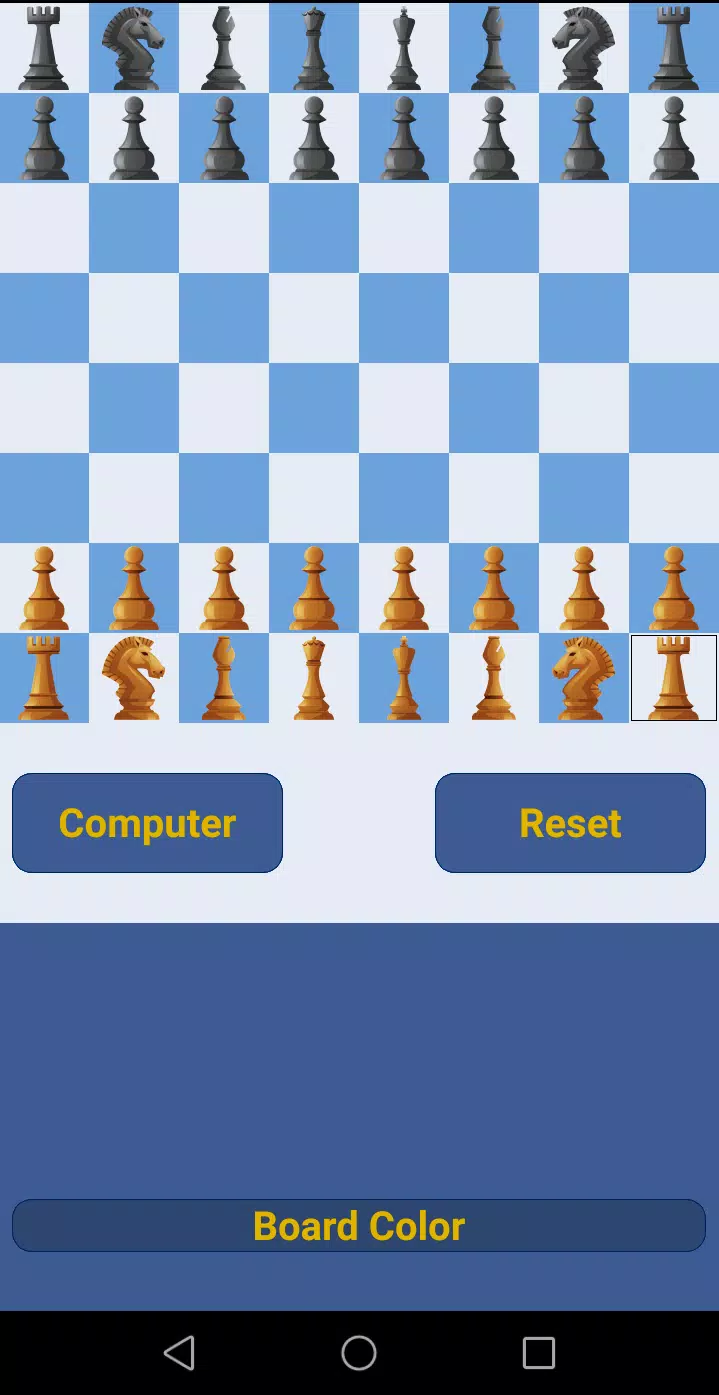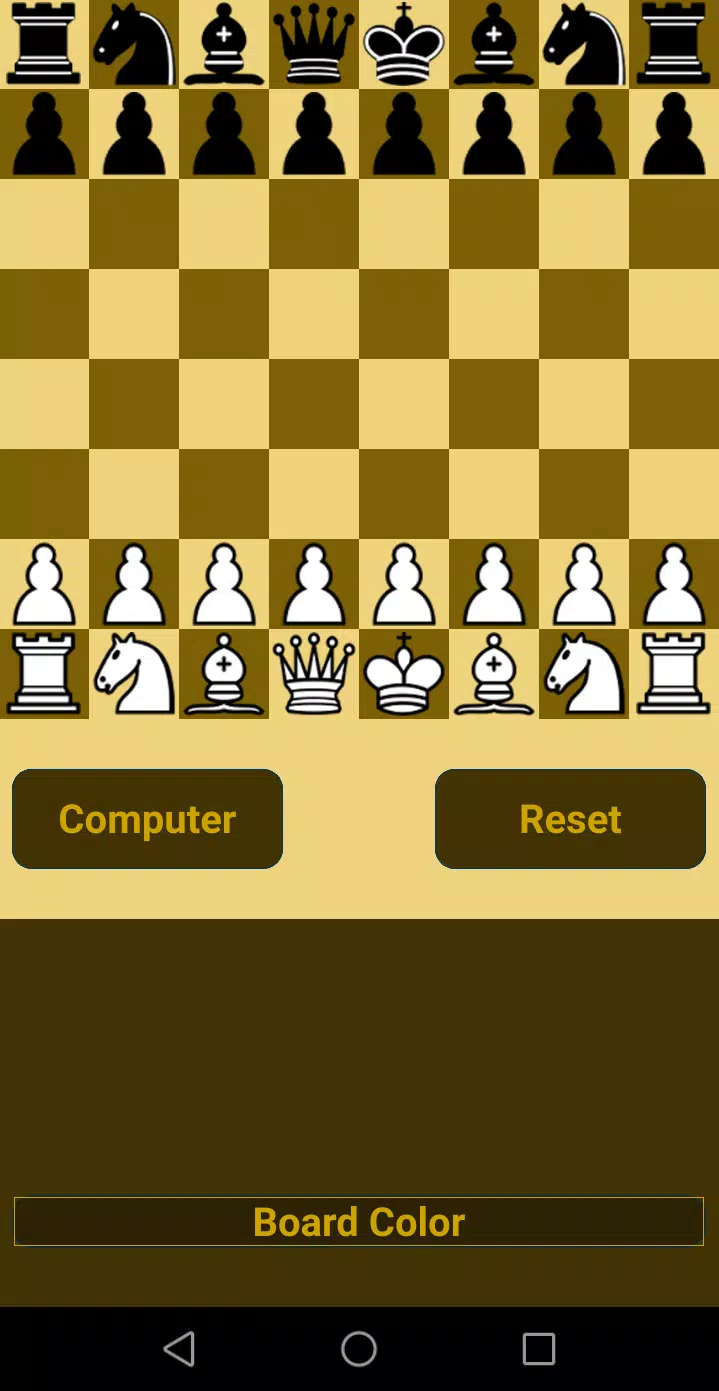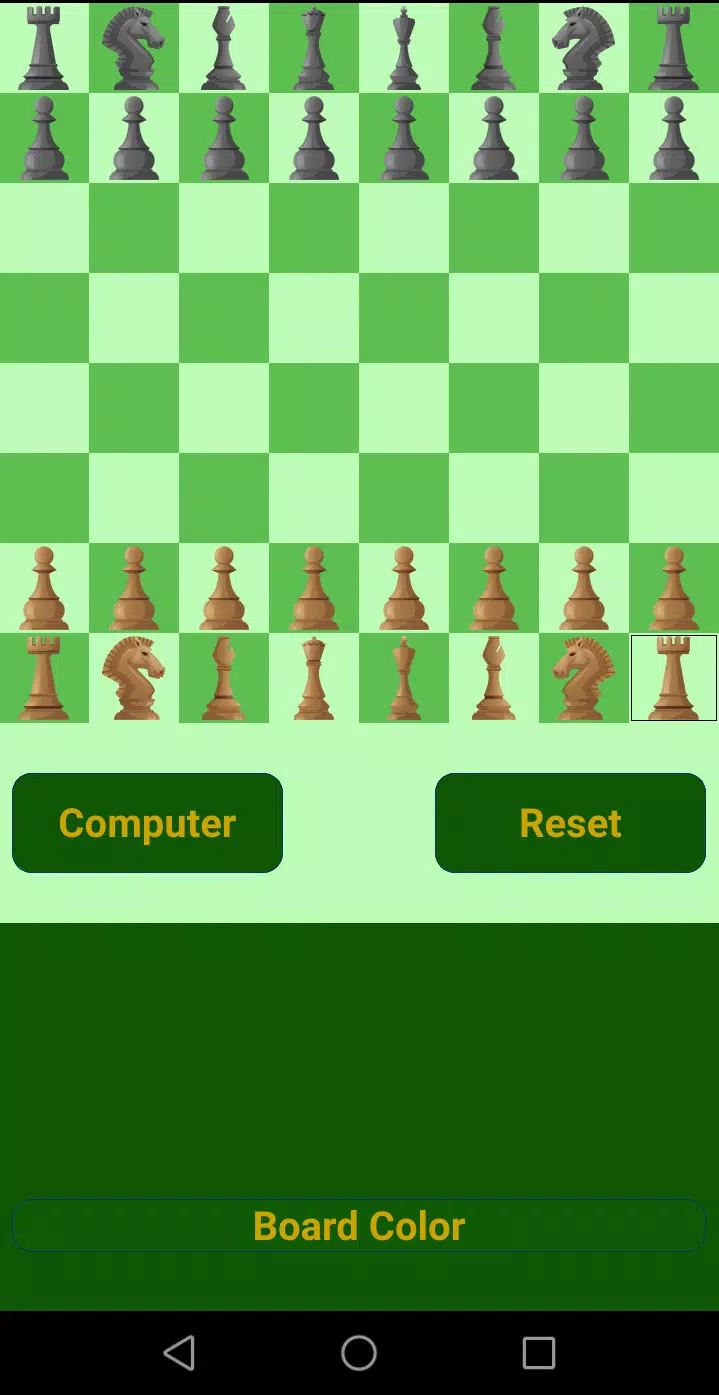

Discover the power of our Strong Chess Program, designed to challenge players at every skill level, from beginners to Grandmasters. With 20 distinct levels of difficulty, you can tailor your chess experience to match your current proficiency and aspirations.
Our chess program stands out as one of the strongest ever created, meticulously incorporating all official Chess Rules. It recognizes draws by stalemate, insufficient material, the fifty-move rule, and threefold repetition. If you're a seasoned player, test your skills against our formidable upper levels (16-20). For beginners, levels 1-10 offer an excellent opportunity to enhance your play, stability, attention, and concentration.
Making a Move:
- Simply touch a piece to see all possible moves highlighted. Then, select your desired move by touching one of the highlighted squares.
Playing Against the Computer:
- To start from the initial position, navigate to Computer -> choose your level -> select your color -> and begin playing.
- For a specific position, set it up first, then go to Computer -> choose your level -> and play.
- To have the computer play both sides, set up your position, then go to Computer -> BothSide -> choose your level.
Improve Your Skills with Chess Puzzles:
- Tackle over 460 chess puzzles to sharpen your game. A single click on ads will unlock three puzzles, while interacting with ads will provide move hints and the ability to undo moves, perfect for learning.
Prefer an Ad-Free Experience?
- Opt for the paid version of Deep Chess to enjoy uninterrupted gameplay.
Game Analysis:
- To analyze your game, first, replay it by moving for both sides, then tap the Reset button, save it, reload it, and utilize the Hint button. Note that the Hint button is enabled with a click on ads.
Enhance Your Game with PolyGlot Opening Books:
- Our program now supports PolyGlot (.bin) opening books. Ensure your SD Card is mounted, download the book to your Downloads or Documents folder on the SD Card, and add it via the Files button -> Add Book button. This feature is highly recommended for faster gameplay at higher levels.
Export Your Games:
- Save your games as PGN files directly to your SD Card in the Downloads folder.
Achieve and Celebrate Your Wins:
- Earn achievements by winning multiple games at the same level:
- 3 wins: Bronze Star
- 5 wins: Silver Star
- 7 wins: Gold Star
Elevate your chess game with our comprehensive and robust chess program, designed to cater to all levels of chess enthusiasts.